BUILD YOUR OWN
d3kOS Hardware
Everything you need to build the d3-k1 helm computer. All off-the-shelf parts, no custom PCBs, no soldering required.
Compute
Compute
Raspberry Pi 4B — 8GB RAM
Main compute board. 8GB RAM recommended for running all d3kOS services simultaneously.
Note: 8GB also supported. 2–4 GB not recommended.
Storage
Storage
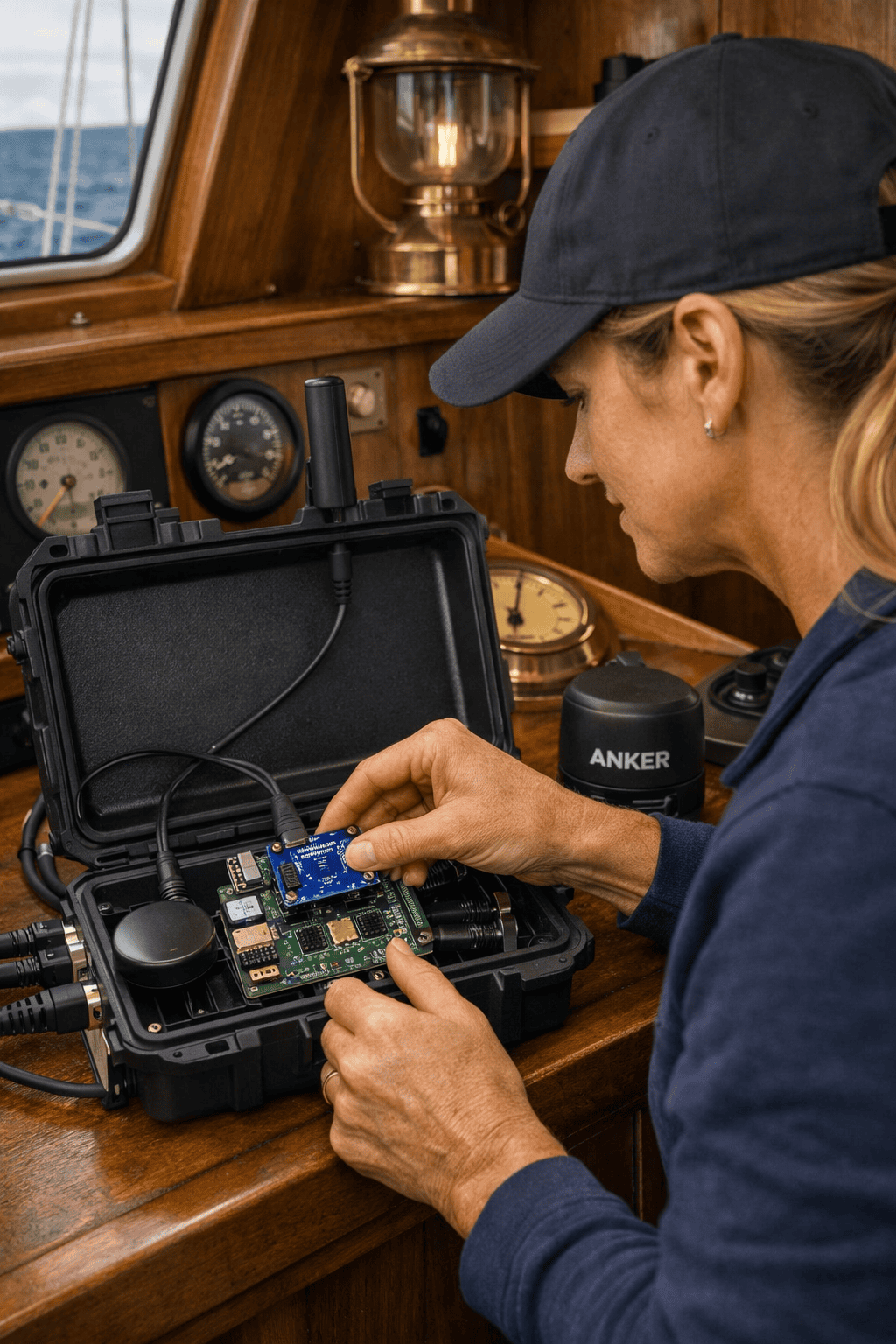
microSD Card — 128GB Class 10 / A2
Boot drive for d3kOS. A2 rated for better random read/write performance.
Note: Samsung Endurance or SanDisk Endurance series recommended for marine use (vibration/humidity rated).
Display
Display
10.1" Touchscreen Display — 1280×800 IPS
Official helm display. IPS panel for wide viewing angles in sunlight. Capacitive touch.
Note: HDMI + USB power. Mount with RAM or AMPS pattern bracket.
NMEA2000 Interface
NMEA2000 Interface
CX5106 NMEA2000 to USB Adapter
Connects your NMEA2000 engine bus to d3kOS. Provides real-time engine data: RPM, oil pressure, coolant temp, fuel level.
Note: Requires DIP switch configuration for your engine. See d3kOS Settings → Engine for the configuration guide.
NMEA2000 Interface
NMEA 2000 Power Drop — 12V from Battery
The NMEA 2000 bus requires a dedicated 12V power connection directly from the battery.
Note: Use an inline fuse (3A–5A) on the positive lead. Do not tap from an accessory circuit — the NMEA bus needs clean, stable voltage.
Power
Power
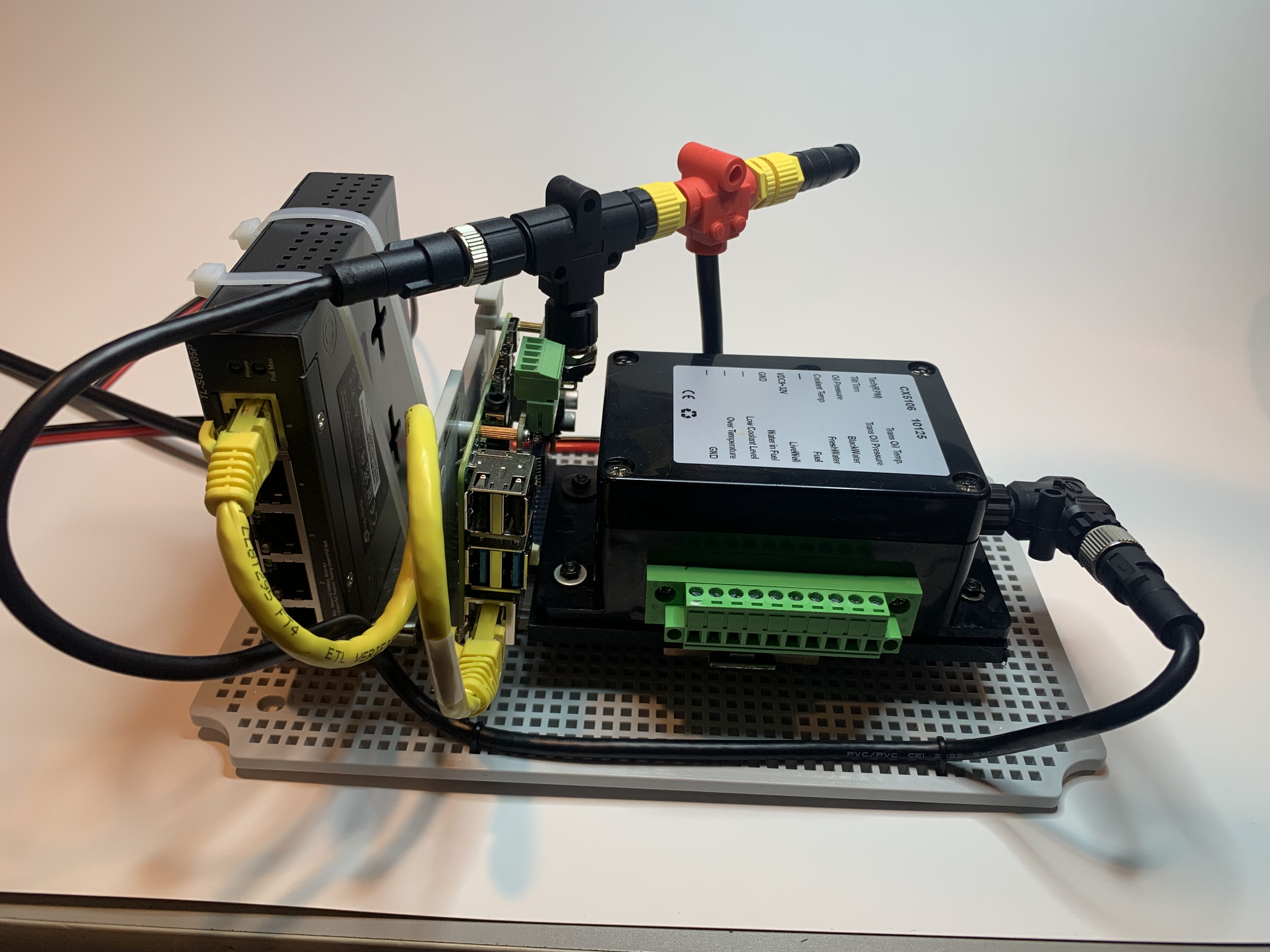
12V to 5V USB-C Converter — 5A
Powers the Pi directly from your 12V boat electrical system. Regulated, fused.
Note: Use a dedicated 5A fuse on the 12V input. Do not power from an accessory circuit shared with high-draw devices.
Power
DC-DC Boost Converter — 12V In / 54V Out, 5A Max
Converts 12V boat battery power to 54V for the PoE switch. Required if your PoE switch does not accept 12V input directly.
Note: Output must be set to 54V before connecting to PoE switch. Verify your switch's input voltage range first.
Power
Pi Heatsink with Fan
Active cooling for the Raspberry Pi 4B. Prevents thermal throttling during sustained AI workloads.
Note: Recommended for enclosed installations. d3kOS runs fish detection, voice AI, and chart services continuously — passive cooling is insufficient in a sealed enclosure.
Marine Vision
Marine Vision
Reolink RLC-810A — PoE IP Camera
Bow camera. 4K, PoE powered, weatherproof IP67. Works with d3kOS Marine Vision and fish detection.
Note: Requires a PoE switch or PoE injector. Assign via d3kOS Settings → Camera Setup.
Networking
Networking
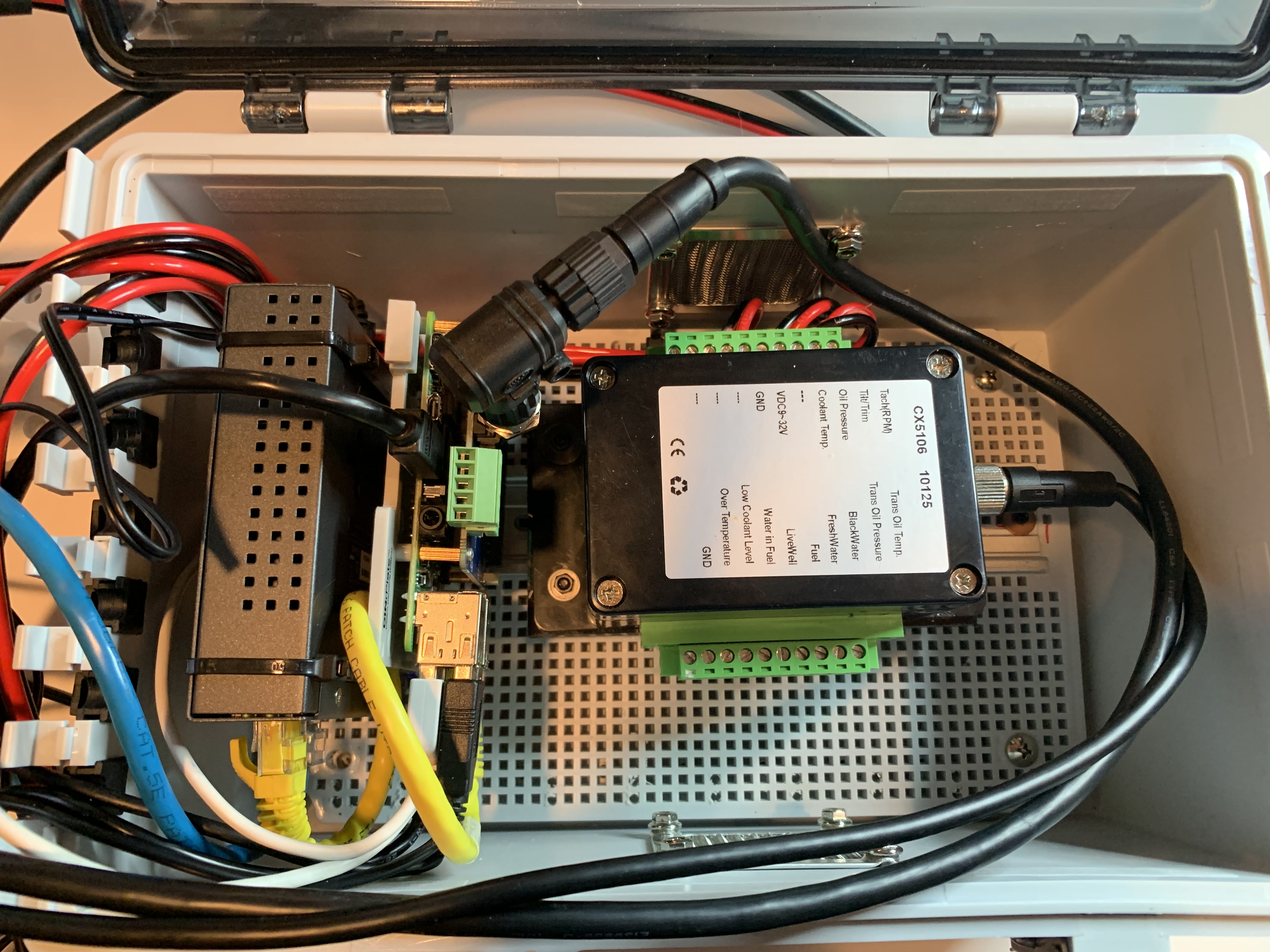
PoE Switch — 5-Port (4x PoE)
Powers and connects up to 4 PoE cameras. Also connects Pi to boat network.
Note: TP-Link TL-SF1005P or equivalent. 12V input preferred for direct boat power connection.
Enclosure
Enclosure
Marine-Grade Enclosure — IP65
Waterproof enclosure for Pi + PSU. Protects from spray and humidity.
Note: Drill for HDMI, USB, and power cable pass-throughs. Use marine-grade sealant.
CONNECTIVITY
How d3kOS Connects to Your Boat
Three connection paths bring your boat's data into d3kOS — from engine sensors to your phone. They work together, not instead of each other.
THE DATA BACKBONE
NMEA 2000
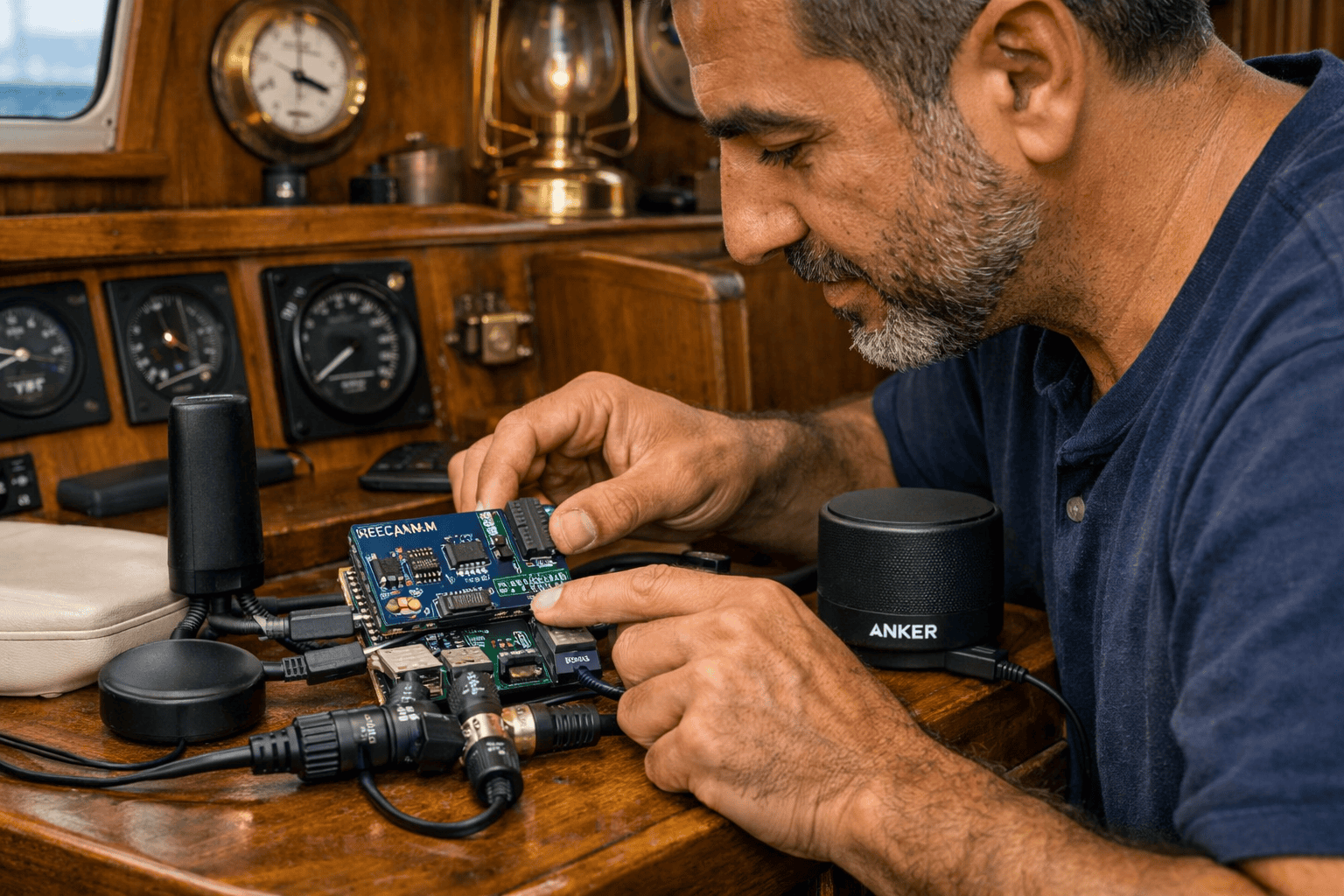
NMEA 2000 is the standard that modern marine electronics use to talk to each other — chartplotters, GPS, engine sensors, depth sounders, AIS. d3kOS connects to your NMEA 2000 bus via the PiCAN-M HAT, which sits directly on the Raspberry Pi inside the d3-k1.
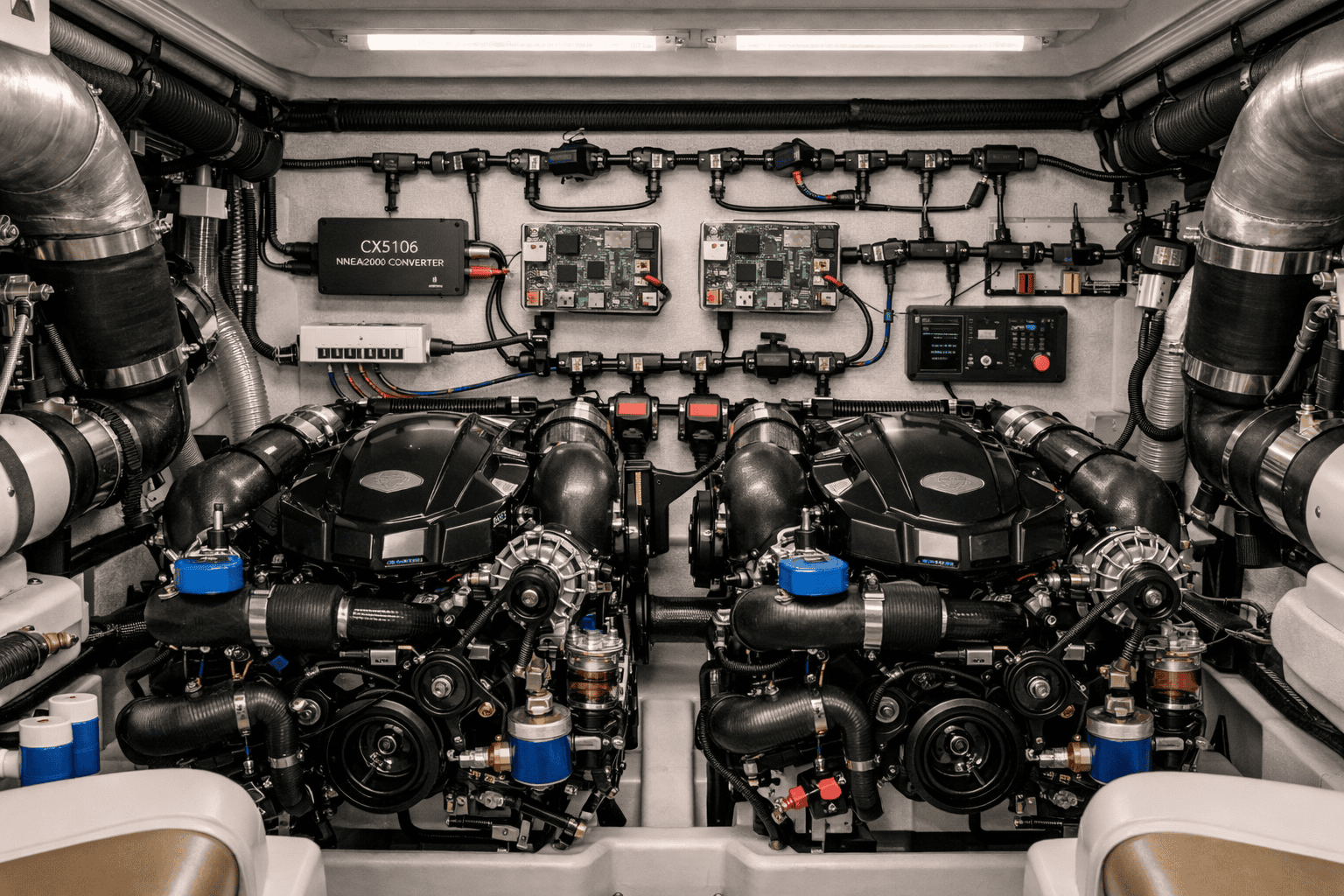
If your boat has older analogue gauges — the kind with a needle — you need the Yacht Devices CX5106 analogue gateway. It reads your existing RPM, temperature, fuel, oil pressure, and voltage sensors and broadcasts them on NMEA 2000. No engine modifications required. The CX5106 is the least expensive analogue-to-NMEA 2000 gateway available and is recommended for retrofits.
Compatible chartplotters
Garmin · Simrad · Raymarine · Lowrance · Furuno · Humminbird
Any chartplotter already on your NMEA 2000 network. d3kOS does not replace your chartplotter — it adds an AI layer your chartplotter doesn't have.
YOUR PHONE CONNECTS HERE
WiFi
d3kOS connects to your boat's existing WiFi network. Once connected, you access the dashboard from any phone, tablet, or laptop on the same network — no app install required. Open a browser, go to the Pi's IP address, and you're in.
If your boat doesn't have WiFi, the Pi can connect directly to a phone hotspot. The connection is local — no internet required for the dashboard to work.
PERMANENT HELM INSTALLATIONS
Ethernet
For a permanent helm mount, Ethernet is more reliable than WiFi in a marine environment. Run a short ethernet cable from your router or switch to the Pi — no configuration needed. The Pi gets an IP address automatically and appears on your network within seconds of power-on.
Ethernet and WiFi can both be active at the same time — useful during installation when you want to connect from multiple devices.
Ready to build?
Download the d3kOS image and follow the setup guide to get your helm computer running in an afternoon.