FREE DOWNLOAD
Download d3kOS
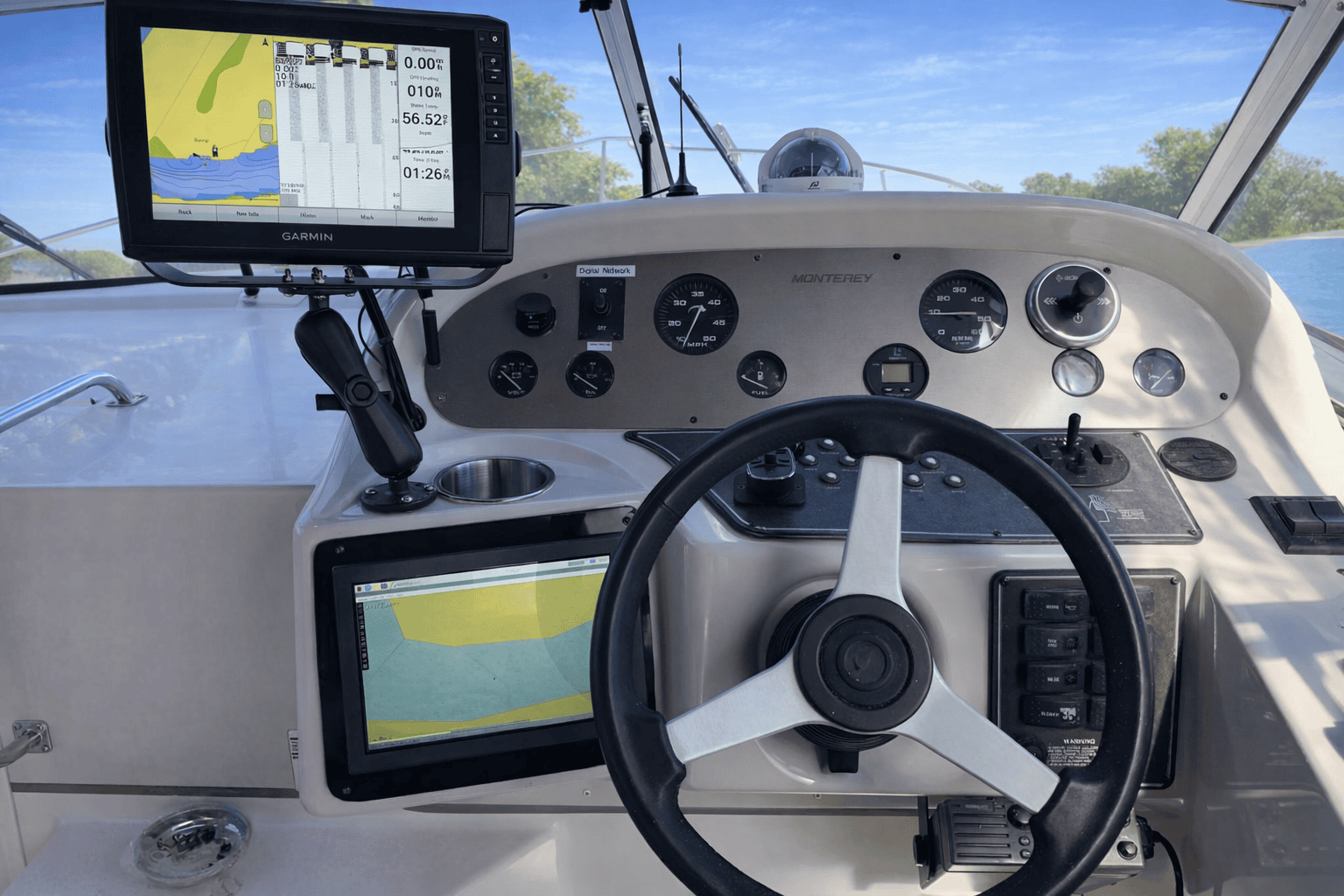
Flash to a 64GB microSD, insert into your Raspberry Pi 4B, and your helm computer boots in under 2 minutes.
v0.9.2.2
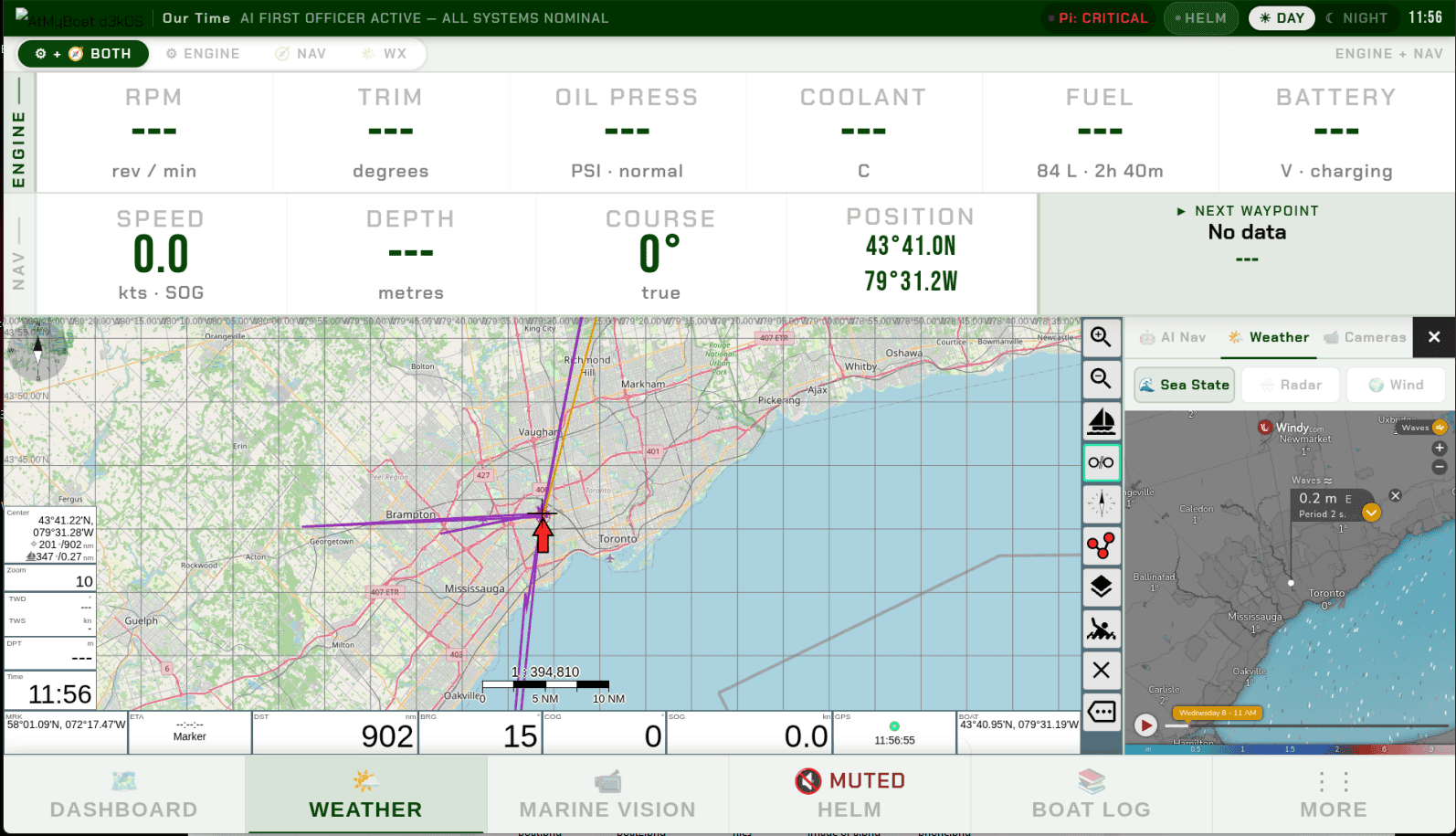
LATEST March 2026- Full helm dashboard — 8 navigation rows, Marine Vision camera system
- Helm AI voice assistant (Vosk wake word, Gemini analysis, RAG knowledge base)
- NMEA2000 engine monitoring via CX5106
- Boatlog with voice notes and data export (CSV + JSON)
- Signal K v2.23.0, AvNav 20250822, Flask + Chromium kiosk
- Onboarding wizard — 8-step first-run setup
- English interface (French, Spanish, German localisation — Coming Q3 2026)
- AODA / IEC 62288 compliant display (10.1" 1280×800)
Read the manual before you build.
The d3kOS User Manual covers every step — hardware wiring, first boot, the setup wizard,
NMEA 2000 configuration, camera setup, and HELM voice assistant. Everything in one place.
Open User Manual →
Installation — 3 Steps
Flash the image
Download the .img.gz file from GitHub. Use Raspberry Pi Imager to flash it to a 64GB+ microSD card.
Boot your Pi
Insert the card into your Raspberry Pi 4B, connect your display, and power on. d3kOS boots to the helm dashboard automatically — no keyboard or mouse needed.
Run the setup wizard
The 8-step setup wizard launches on first boot. Enter your vessel name, connect your CX5106, and configure your cameras. Takes about 10 minutes.
Requirements
Hardware Required
- Raspberry Pi 4B (4GB or 8GB RAM)
- 64GB+ microSD (A2 rated recommended)
- 12V boat power (12V → 5V/5A USB-C converter)
- 10.1" or larger HDMI display (touchscreen recommended)
Optional — Full Feature Set
- CX5106 NMEA2000 adapter (engine monitoring)
- Reolink RLC-810A PoE cameras (Marine Vision)
- PoE switch (up to 4 cameras)
- USB GPS receiver (if NMEA2000 GPS not available)
Questions about installation? Ask in the d3kOS Support forum.